Schedule, standings, teams and players
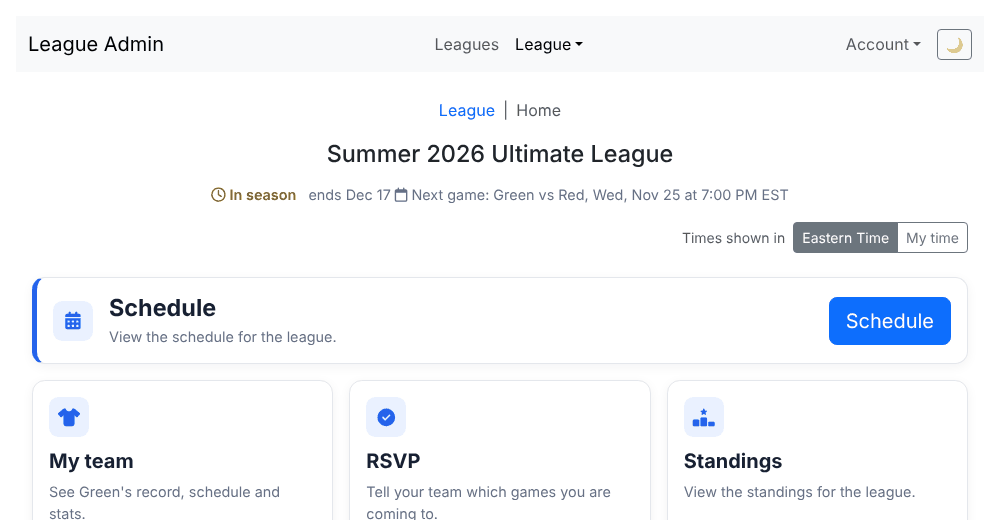
Open a league from the Leagues list. The league home page has a tile for each page below. The schedule and standings are open to everyone. Pages that show player names (the player list, teams, pay, game logs and summaries) ask you to log in first. A pickup league shows only Players, Schedule and RSVP, plus a card for joining; see Registering for a league.
The home page and the Leagues list
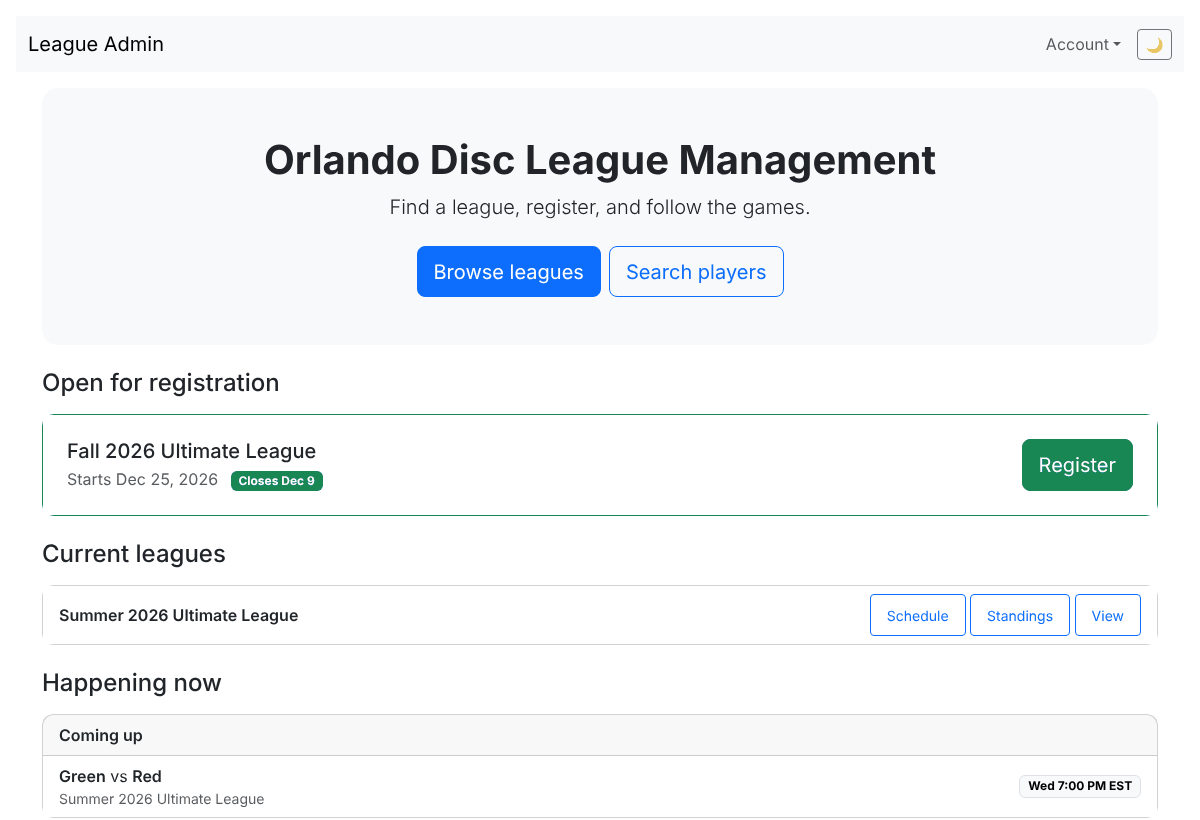
The site home page shows leagues open for registration, the leagues that are Current (with Schedule, Standings and View buttons), games happening now or coming up, Your leagues once you are logged in, and a short list of Recent leagues. A league stays under Current for about a week after it ends. Browse leagues opens the list, and Search players finds a player by name (log in first).
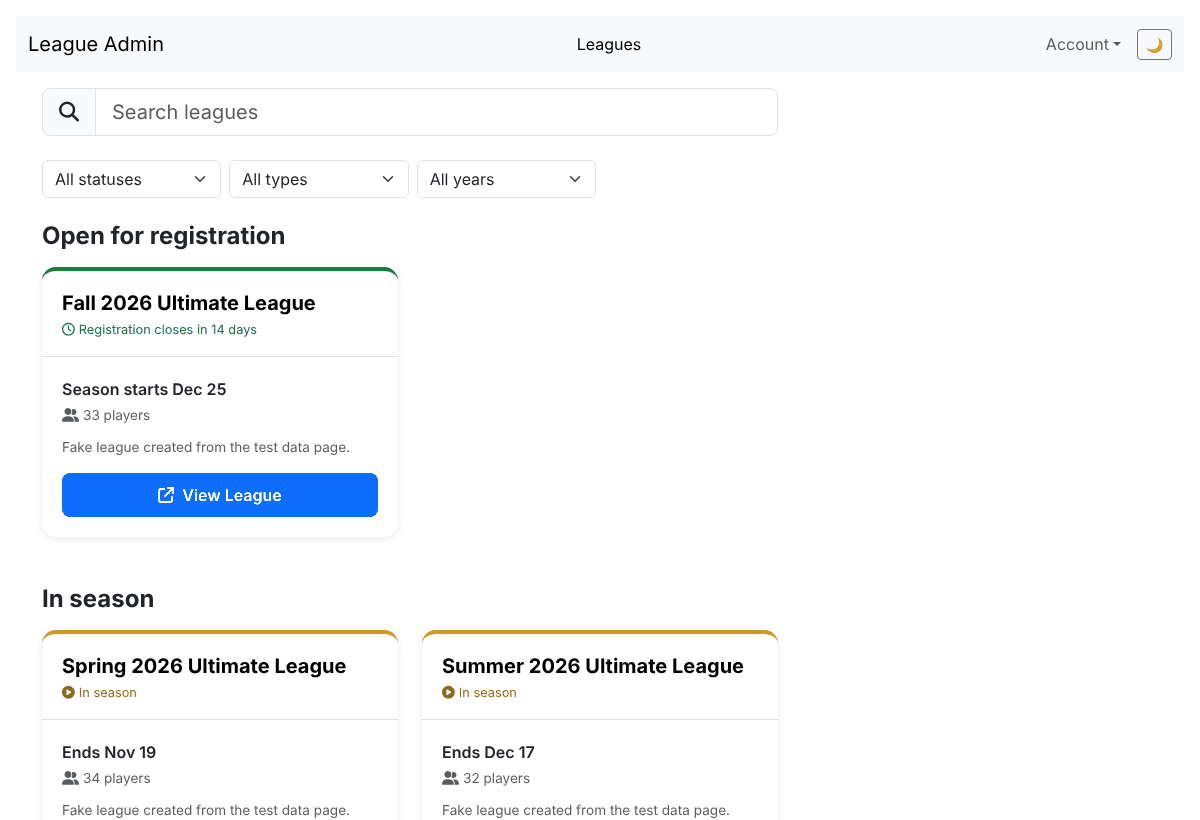
The Leagues list groups leagues by where they are: open for registration, in progress, upcoming and pickup, with past leagues folded away under a heading you can open. Type in the search box to filter by name, season or year; while you search, past leagues are included.
Each league home page leads with the next thing you can do for the league's stage. If you are registered and still owe the fee, Pay comes first. Standings appear once the season starts; teams, draft watch and RSVP appear closer to the draft date; and the register and pickup cards go away once the league has ended.
Schedule
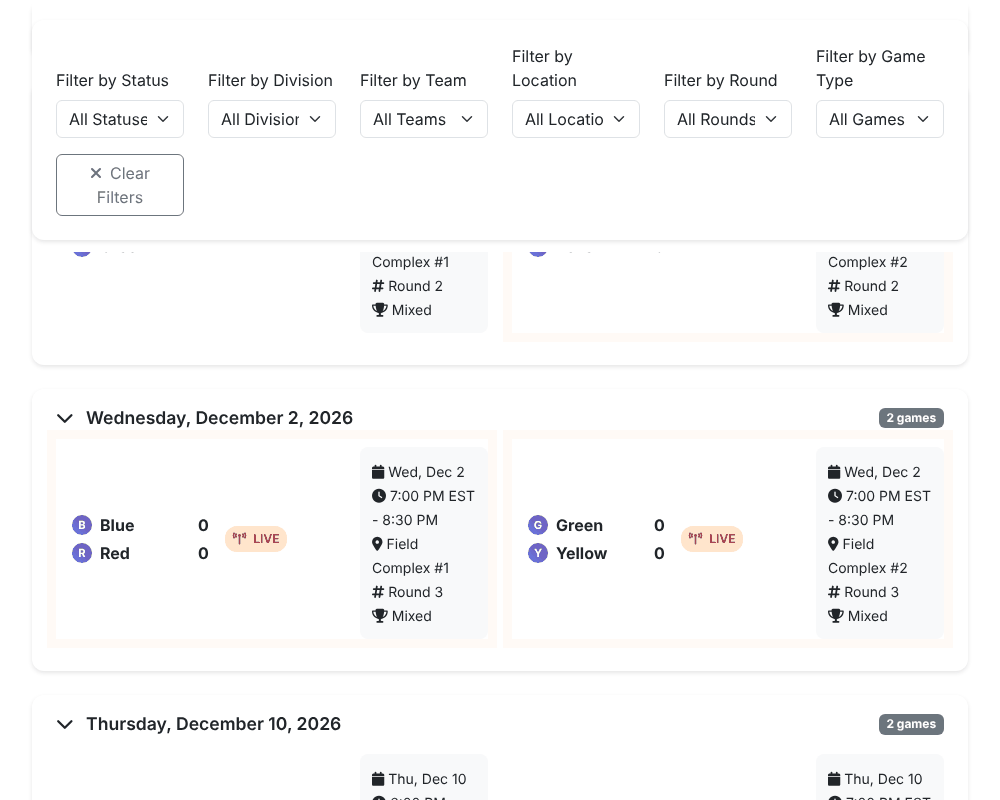
Every game, with its teams, time and status. The page opens at today's games, and days you expand stay open next time you visit. Use the filters at the top to narrow it down by status, division, team, location, round or game type (regular season or playoffs), and Clear to start over. The schedule's address is /leagues/<league number>/games; the older /schedule address still works. Game statuses are Scheduled, Live, Completed, Postponed, Cancelled and Pending (played, with the official score still waiting for the league admin to confirm it). Scores show for live and completed games.
Game times are shown in the league's own time zone (Eastern unless the league says otherwise). A Times shown in switch above the games shows them in your own time instead; the league home and RSVP pages follow the same choice, which is remembered on that device.
Select a game to open its game page. A game page shows the game's division, and (for a finished game) the people who scored it. Playoff games carry a trophy marker and are named by round (Semifinal, Final); see Team pages, divisions and playoffs.
Game pages
A game page offers what fits the game's state:
- Watch game: follow a game live, read-only. Teams and score are public; player names appear once you are logged in. Until a league admin confirms the final score, watch pages show the score as unofficial.
- Game summary: the result of a finished game.
- Log scoring and Submit final score: only for team captains, scorekeepers and league admins.
Standings
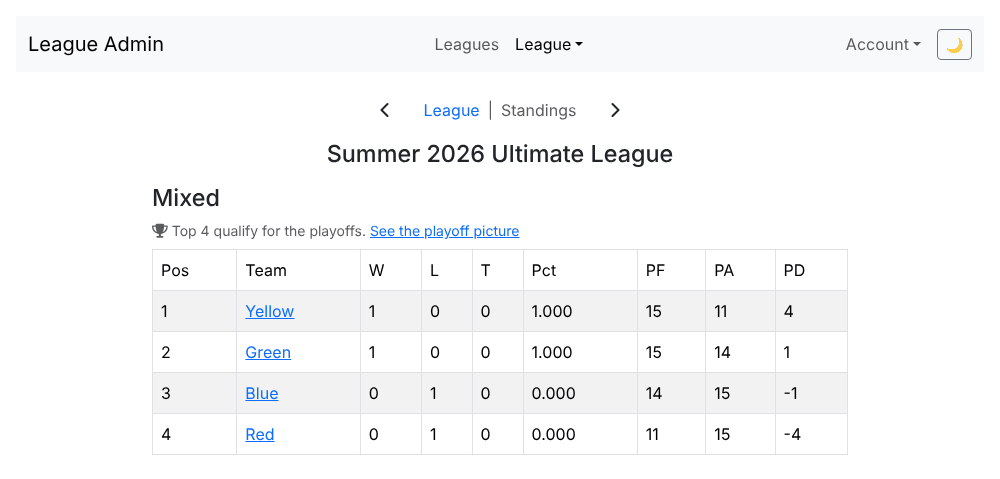
One table per division, stacked down the page, with position, team, wins, losses, ties, win percentage, points for (PF), points against (PA) and point difference (PD). Standings count only games whose score a league admin has confirmed, so a game played last night may not show yet. Playoff games are not counted. When you are logged in each team name links to its team page. A game whose score the league admin only knew as "who won" counts as a win, loss or tie without points.
Teams and players
- Teams: team assignments. They appear after the league's organizers assign them; until then you'll see "No teams assigned yet." Each team has its own page; see Team pages, divisions and playoffs.
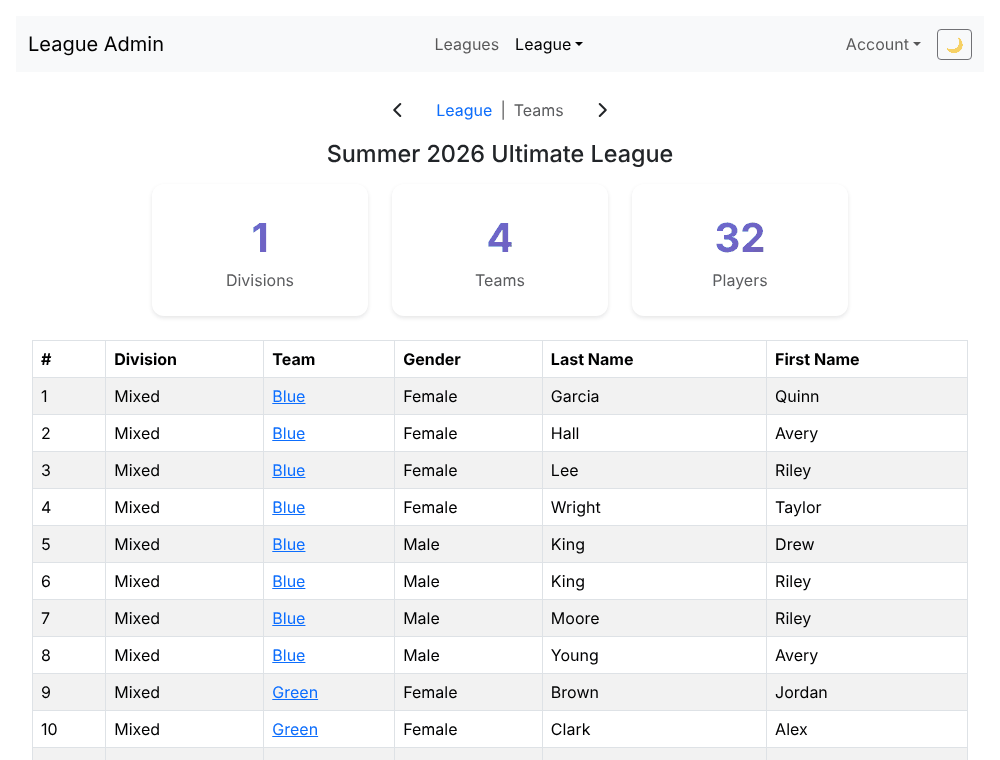
- Players: who has registered, with each person's team and division. Use the filters to narrow the list by division, team or name.
- Divisions and Playoffs: shown when the league has them.
- RSVP: tell your team whether you are coming to a game. See RSVP for games.
If you are a team captain, your team page also has a Message My Team button.
Last reviewed 2026-11-25